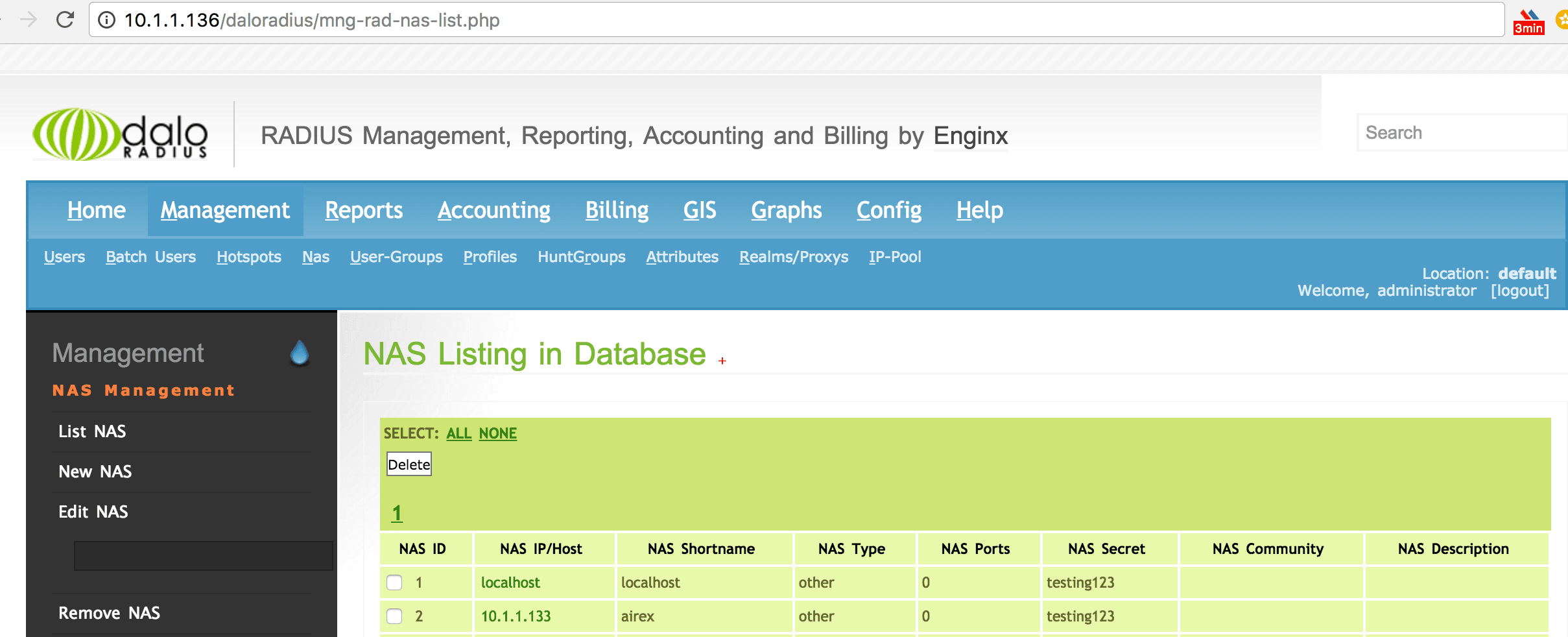
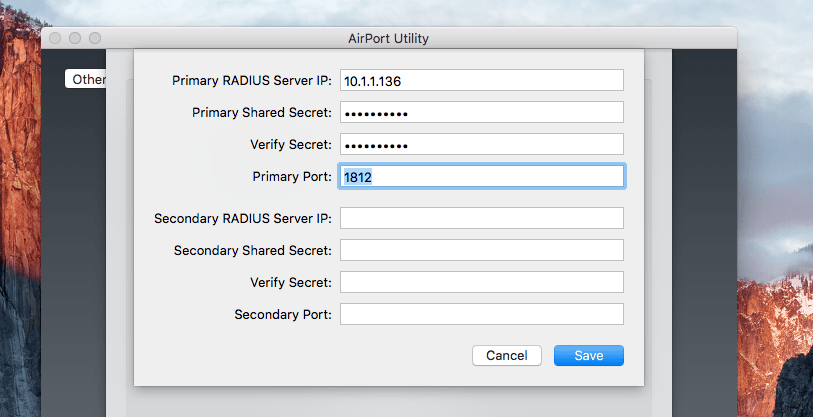
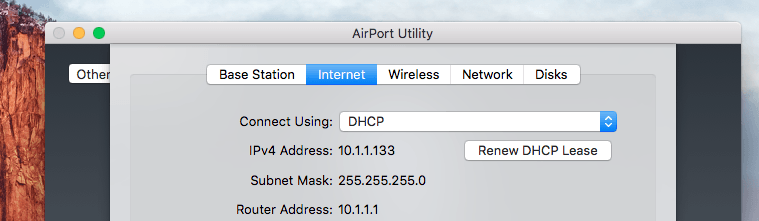
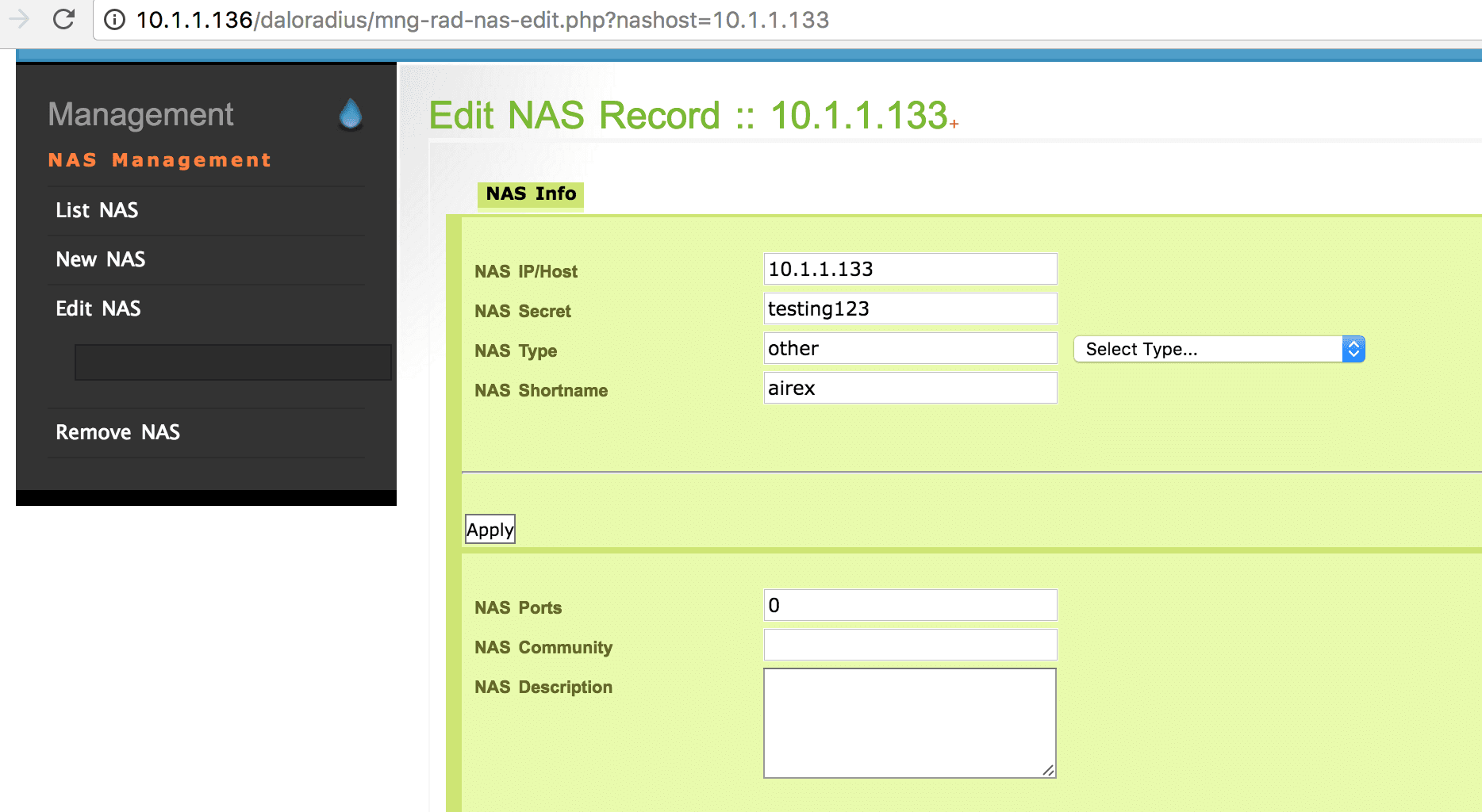
1) Sorry, will follow in future :) 2) Ok. FYi, *3) NAS* [image: Inline image 3] [image: Inline image 4] [image: Inline image 1] [image: Inline image 2] *4) Clients ( **/etc/freeradius/clients.conf )* client localhost { ipaddr = 127.0.0.1 secret = testing123 require_message_authenticator = no nastype = other # localhost isn't usually a NAS... } Alan, im using daloRADIUS VM GUI <https://sourceforge.net/projects/daloradius/files/daloradius/daloRADIUS%20VM/>, there for i didn't edit any file in "/etc/freeradius/" On Fri, Aug 19, 2016 at 4:29 PM, <A.L.M.Buxey@lboro.ac.uk> wrote:
Hi,
Freeradius -X <https://docs.google.com/document/d/1uNCrlGfIl9TzTaX_o- ba1l4CoRdMf6axVWRk7zHXpqI/edit?usp=sharing>
1. User Login Log <https://docs.google.com/document/d/1HUTU5akD765yMSf- eY56PRLPG1y9n5x6nYug1l2pDZw/edit?usp=sharing>
1) dont do this - just paste to the list!
2) just provide one single file...server start up and the user auth
anyway, user auth shows
Sending Access-Accept of id 1 to 10.1.1.133 port 64969 Message-Authenticator := 0x00000000000000000000000000000000 Session-Timeout := 3600 Idle-Timeout := 60 Acct-Interim-Interval := 60 Reply-Message := "Accepted"
so the RADIUS server has authenticated the user - now, the NAS or the client is the one with issue.
alan - List info/subscribe/unsubscribe? See http://www.freeradius.org/ list/users.html
-- - NavinS